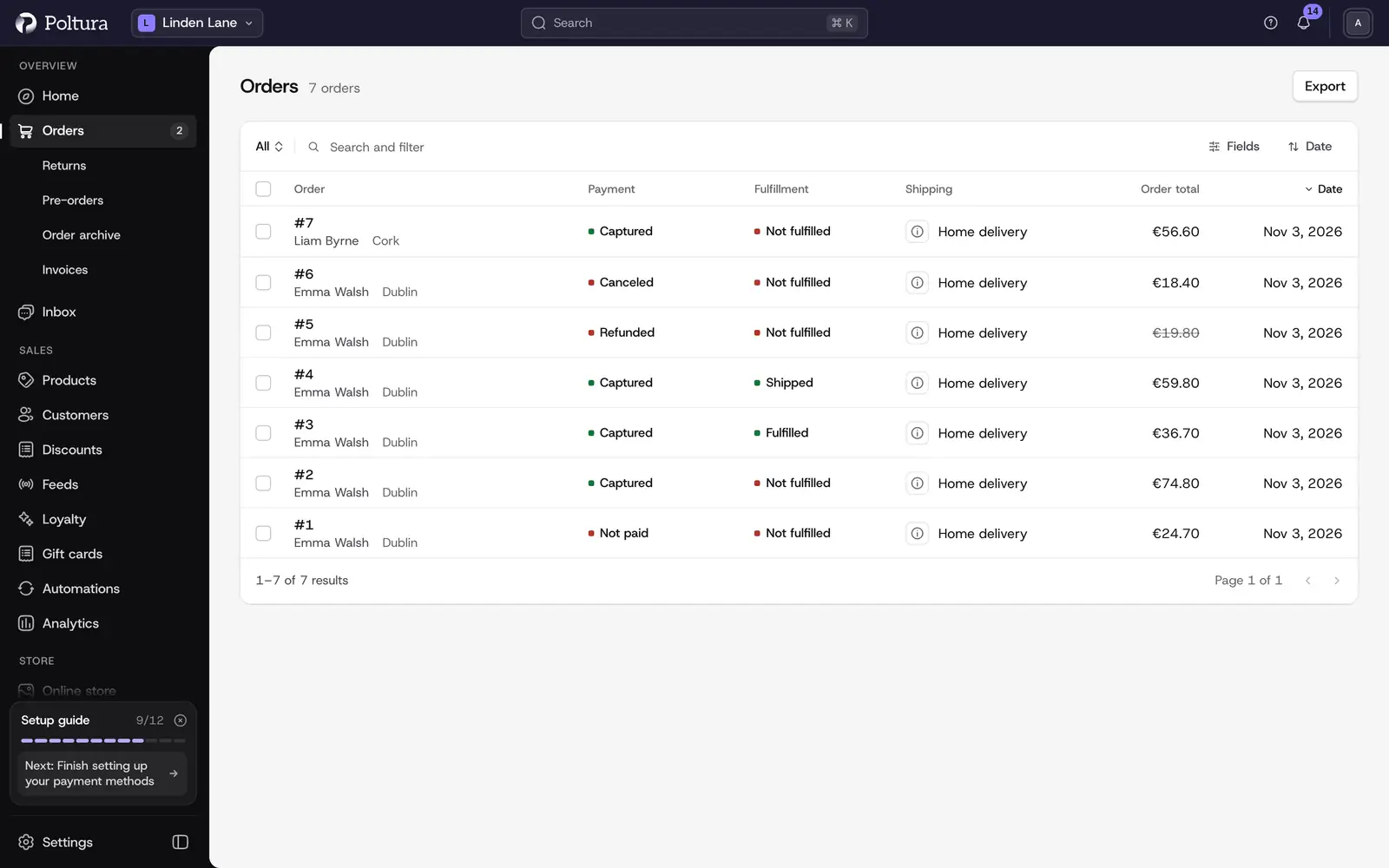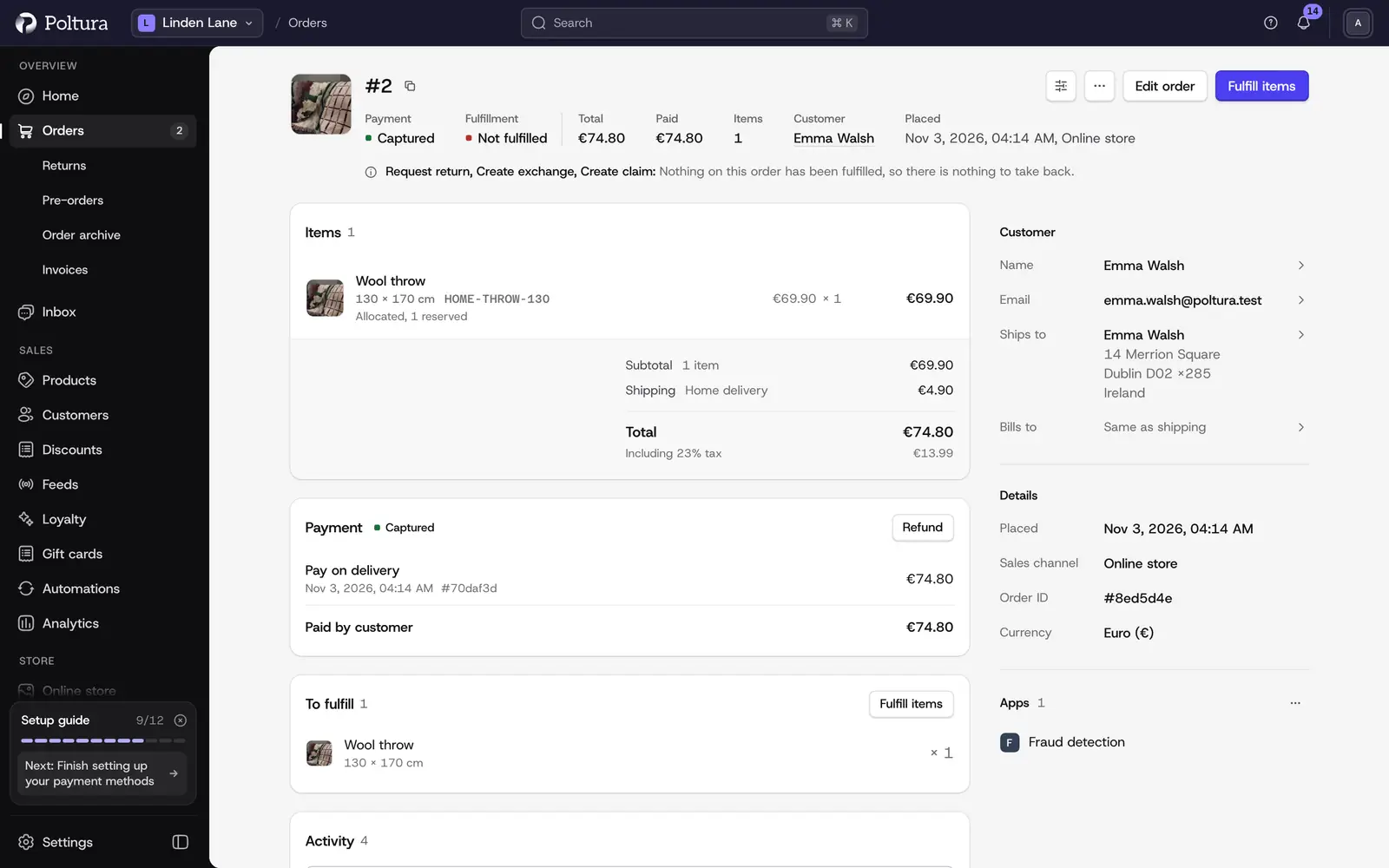
Orders
Every order in one list, with payment, shipping and history a click away.
Step-by-step guides for every screen of your Poltura admin, written for shop owners and their teams.
Wherever your shop is today, the guides for the next step are here.
Create the store, follow the setup guide and bring your products over.
Choose how customers pay and how parcels travel, connect your domain and go live.
Take payment, ship orders, handle returns and answer your customers.
Run discounts, reward loyal customers, list products on marketplaces and see what works.
Every guide starts from the screen you have open, and tells you where to click.
Every order in one list, with payment, shipping and history a click away.
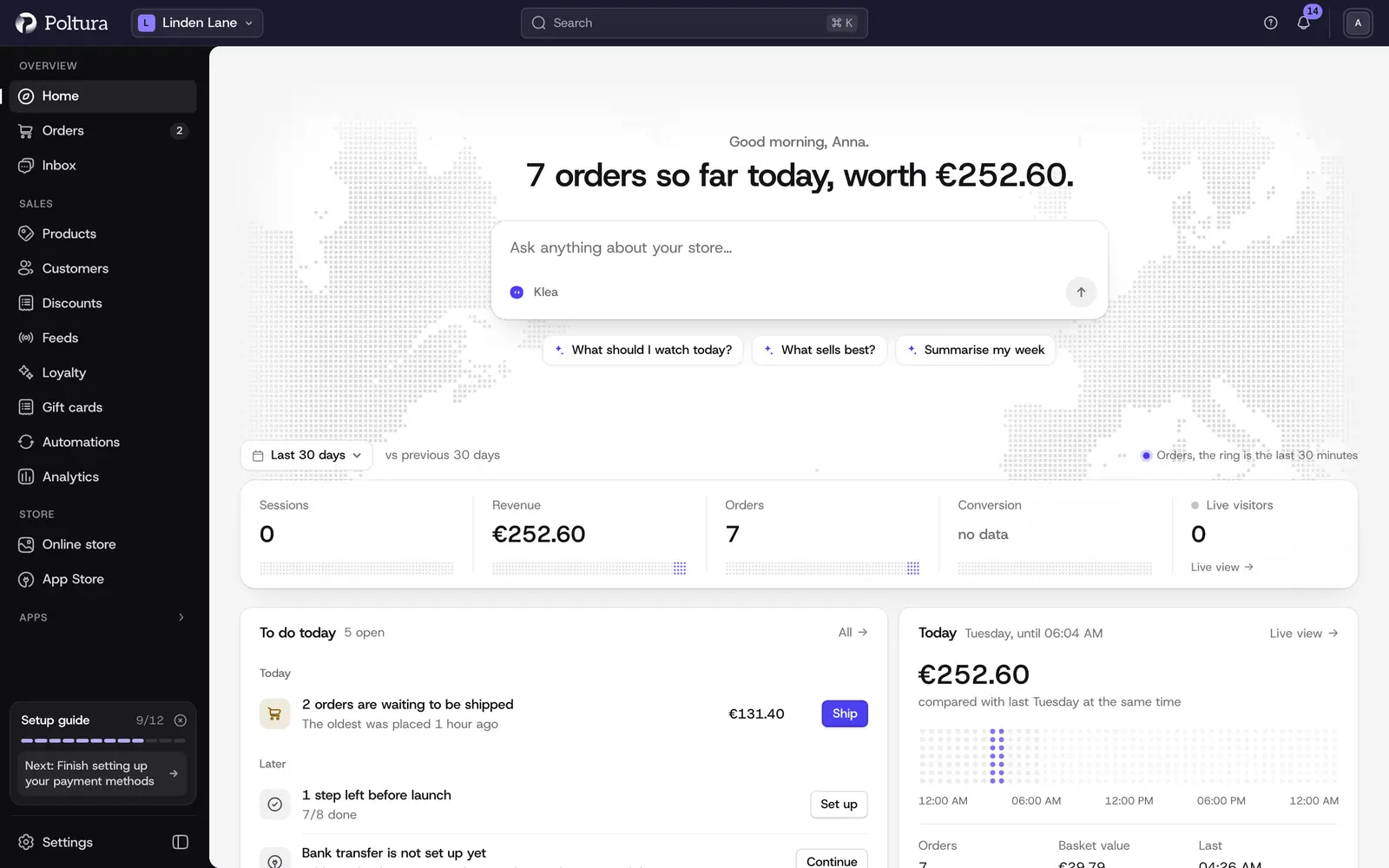
Today’s to-dos, your numbers and a box to ask Klea, every time you sign in.
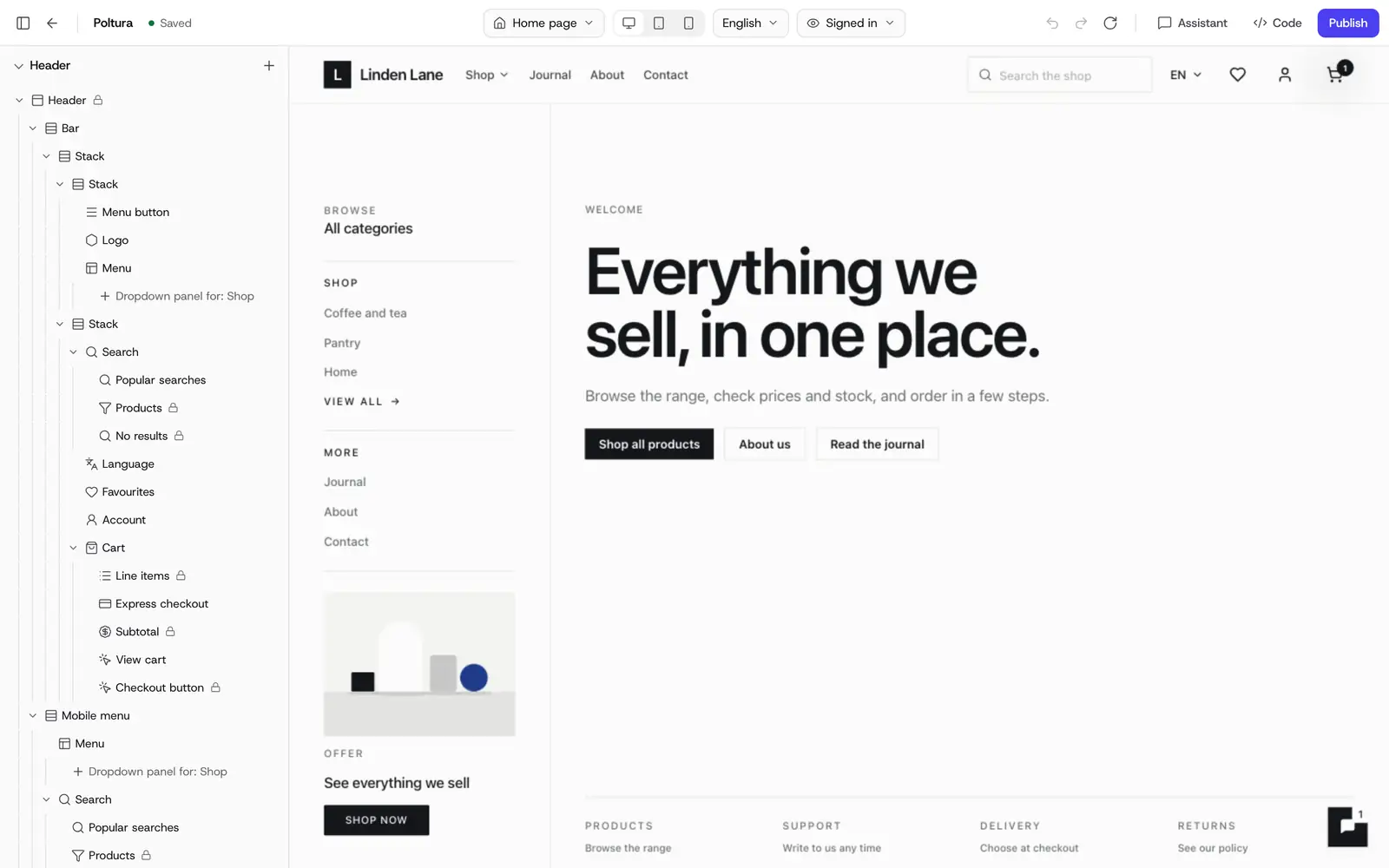
Shape your shop in the customizer and check every change before you publish it.
256 guides, each in English and Hungarian.
Create the store, finish the setup guide and open to customers.
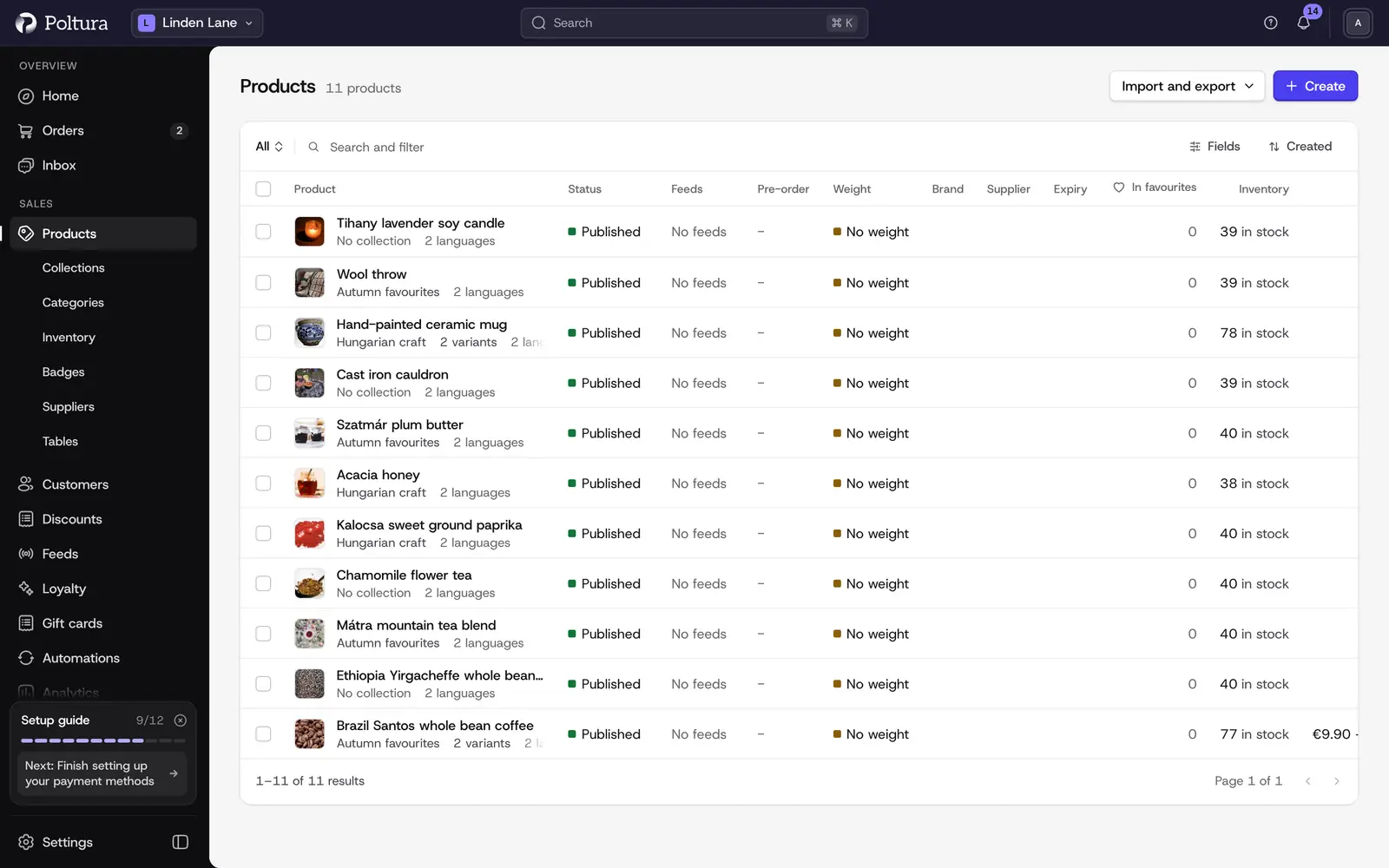
Products, variants, prices, categories, imports and stock levels.
Take payment, ship, refund, handle returns and look after customers.
Switch on card, bank transfer and pay-later providers.
Delivery zones and prices, and the carriers that print your labels.
Discount codes, loyalty, newsletters, product feeds and marketplaces.
Themes, the customizer, menus, pages, domains and languages.
The inbox for chat and email, and Klea, the assistant.
Reports, dashboards, live visitors and tracking tools.
Store details, taxes, invoicing, fraud checks and team members.
Install apps from the App Store and use the developer pages.
Press ⌘J (Ctrl+J on Windows) and ask in your own words. Klea answers from your store’s data and makes changes with your approval.
How Klea worksType a few words about what you want to do. Results take you straight to the steps.
Write to us and tell us what you were trying to do. We answer on working days.