The Olcsóbbat app sends your products to Olcsóbbat.hu, a Hungarian price comparison site where you pay per click. It serves Hungary only, in Hungarian and in forints. Olcsóbbat reads a feed address. Poltura keeps a file of your products up to date, and Olcsóbbat downloads it.
The app installs on every plan and has no page of its own. You set it up in Feeds.
Before you start
- Hungary in one of your markets.
- You need a shop account on Olcsóbbat, which the site calls Partnerportál. New shops sign up there for free.
- Olcsóbbat is a price comparison site, so it must show your shop price. Price rules do not apply to this feed.
Set up Olcsóbbat
Open the App Store, find Olcsóbbat and select Install. See App Store.
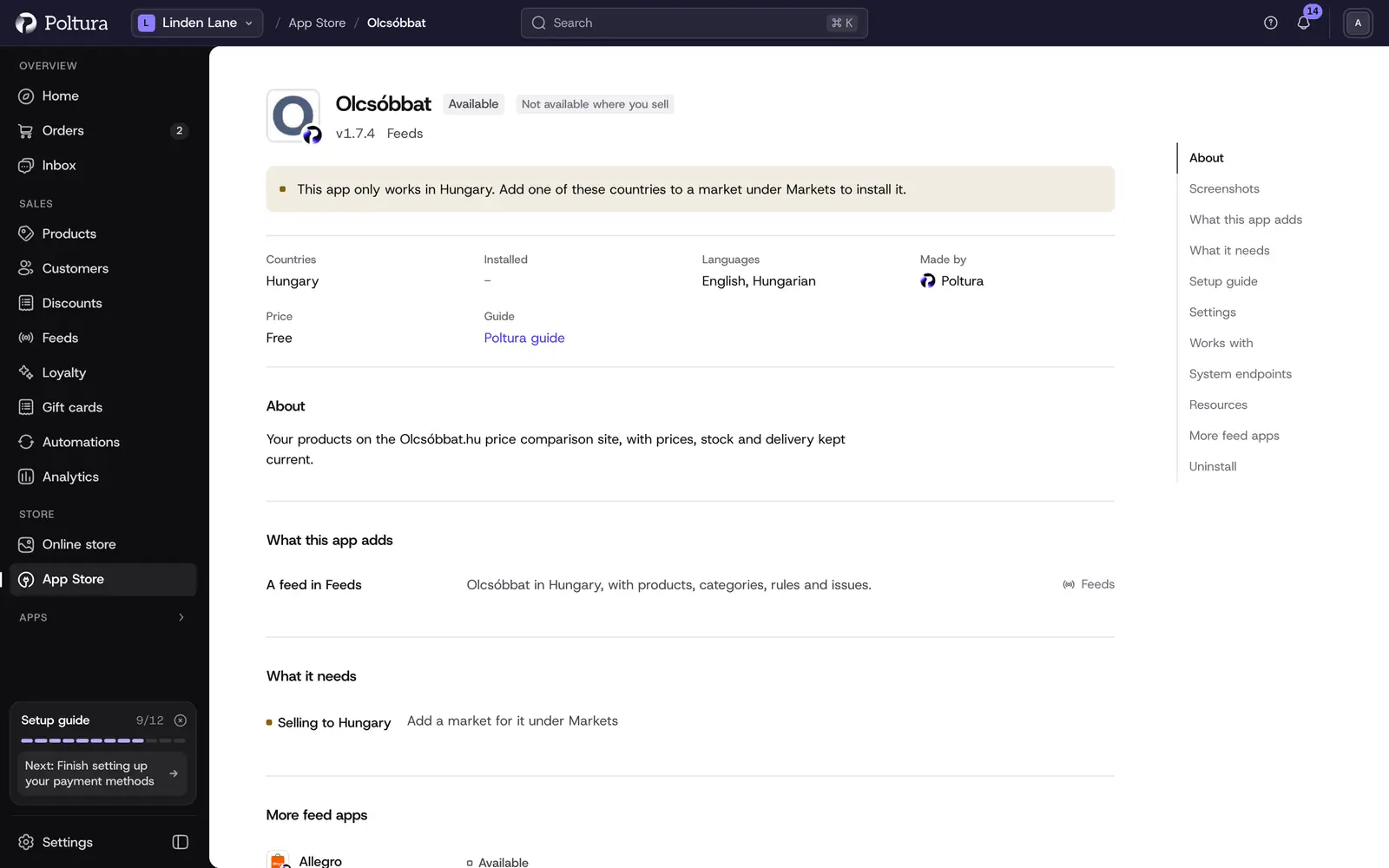
Olcsóbbat in the App Store, before you install it. Open Feeds, select Add feed and choose Olcsóbbat under Ready to set up.
On Market, choose your Hungarian market.
On What we send, go through the checklist: delivery cost, handling time and barcodes. Then select Create the feed.
On Feed address, copy the address and email it to boltok@olcsobbat.hu. Olcsóbbat has no field where you could paste it yourself.
Select I have pasted it. The feed now shows on the Feeds page with its live and not live product counts.
Olcsóbbat checks the feed first, then reads it one to four times a day. The general steps of a feed are in Add and set up a feed.
Settings
Olcsóbbat has no settings of its own. The feed's Settings tab only shows what every feed has: the market, how products reach the site, and On your storefront.
Everything the site needs comes from your store:
- Delivery cost from the shipping options of the Hungarian market. Without one, Olcsóbbat shows your products without a delivery cost.
- Delivery time from the handling time of the store or the product.
- Barcodes (EAN) from your products. Without a barcode Olcsóbbat matches a product more slowly.
What shoppers see on your storefront
While the feed is live, the Olcsóbbat logo appears in the footer of the Hungarian storefront, in the Partner badges section. It links to Olcsóbbat.hu. The site does not require it, so you can hide or move it in the Customizer. The app adds no scripts and nothing to your privacy notice or checkout.
If something goes wrong
- Olcsóbbat has not downloaded the feed yet. The address only reaches Olcsóbbat by email. Send it again to boltok@olcsobbat.hu and wait for Olcsóbbat to check the feed. The feed's Overview tab lists every download.
- Same name as another product in the feed. Two products go to Olcsóbbat under the same name. Give them different names.
- Barcode Olcsóbbat does not take. Correct the barcode on the product.
- No JPG or PNG photo. Upload the main photo as JPG or PNG.
- A product is missing from the site. Open the feed's Products tab and select the product to see which step stopped it. See Feed issues.