Utánvét Ellenőr is a shared Hungarian database of how reliably customers collect cash on delivery (utánvét) parcels. Before a cash on delivery order is placed, the app asks it about the customer. Later it reports back whether the parcel was collected. It is for stores that sell in Hungary and want fewer unpaid parcels coming back.
Before you start
- Hungary is in one of your markets.
- You have an Utánvét Ellenőr account with a Forrás (source) for this shop and a subscription for it. Every Forrás needs its own subscription. Plans and quotas are set by Utánvét Ellenőr.
- You have the public and private API key of that Forrás. In the Utánvét Ellenőr dashboard open Források and your Forrás. Treat the private key like a password.
- Blocking of disposable or non-existent email addresses, "Blokkolás, ha nincs találat", the private database and your Kivétel (exception) list are set per Forrás on the Utánvét Ellenőr dashboard. They affect the verdict whatever you set here.
Set up Utánvét Ellenőr
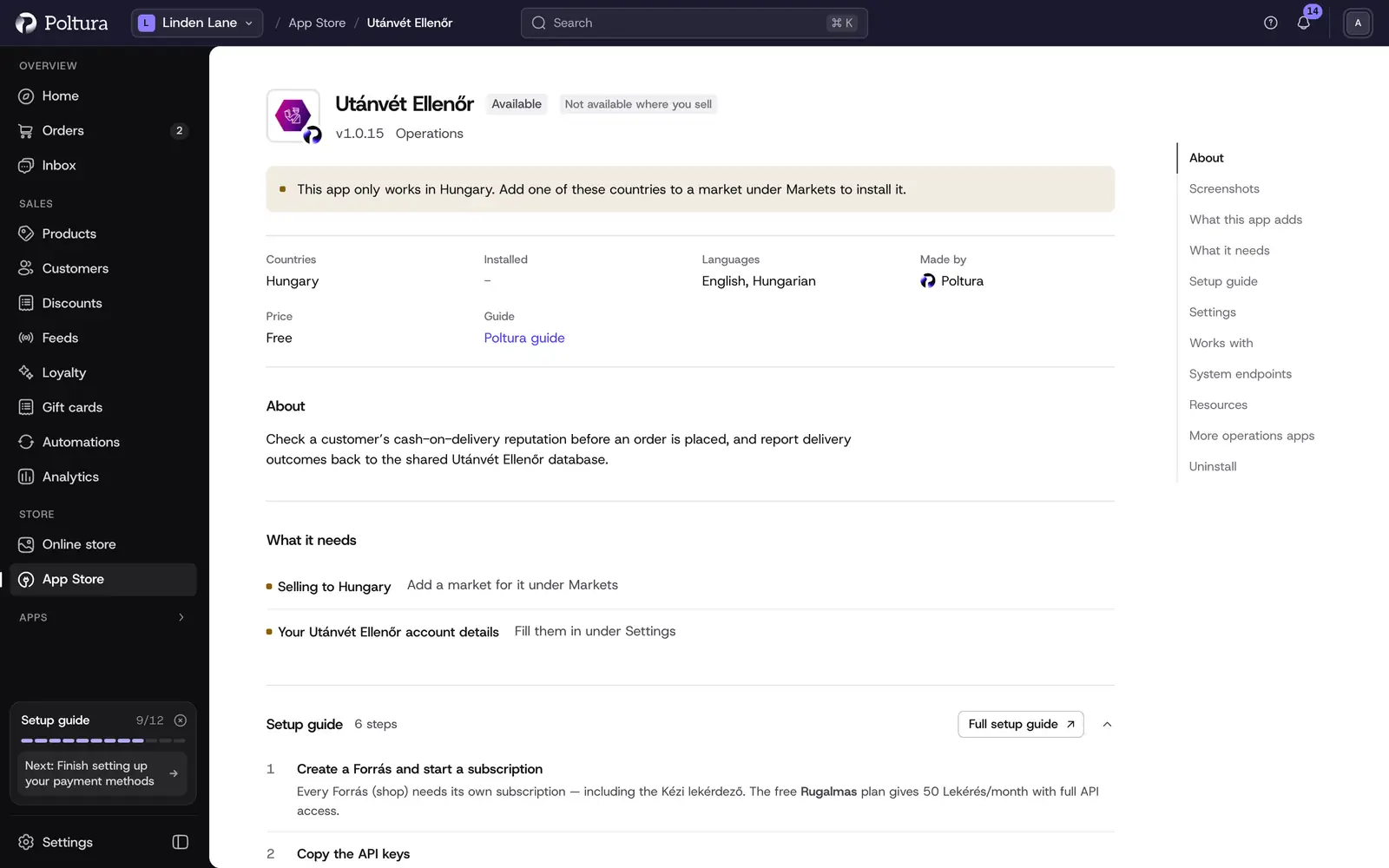
Open App Store in the sidebar and choose Utánvét Ellenőr.
Select Install. See App Store.
Under Settings, fill in Public API key and Private API key, then select Save.
Select Turn on.
Open Utánvét Ellenőr in the Apps group of the sidebar and select Test the connection. The check runs against Utánvét Ellenőr's dummy address. It uses no quota and writes nothing to the shared database. The key pair was accepted. confirms the keys.
Test the connection sits under the Connection card. Leave Enforcement mode on Advisory at first and watch the results on a few orders.
Settings
The fields are in the app's Settings in the App Store. The same values can be edited on the Utánvét Ellenőr page under Connection and Check settings.
- Public API key (on the page: Nyilvános kulcs (public key)): the public key of your Forrás. Keys belong to one Forrás, not to your account.
- Private API key (Privát kulcs (private key)): the private key of the same Forrás. Stored encrypted and never shown again after saving.
- Threshold (Küszöbérték (threshold)): the lowest reputation that still allows cash on delivery. From No filtering (-1) through Lenient (0), Permissive (0.5) and Strict (0.9) to Very strict (1). It starts on Permissive (0.5).
- Enforcement mode: Advisory records the verdict on the order and never touches checkout. Block refuses cash on delivery when the check fails.
- Visszajelzés order-id prefix: text put before the order number in every report. Leave it empty unless two shops share one Forrás.
One more field exists only on the Utánvét Ellenőr page: Cash-on-delivery payment methods. Leave it empty and the app recognizes cash on delivery by itself. Fill in exact payment method ids, separated by commas, only if you use the offline payment method for something else.
Switch on Block mode
Block mode makes an automated decision about your customer. You and Utánvét Ellenőr Kft. are joint data controllers under GDPR, so three legal steps come first. The app cannot check them for you.
Sign the Közös Adatkezelési Szerződés (joint controller agreement) with Utánvét Ellenőr.
Complete and publish the érdekmérlegelési teszt (legitimate interest test).
Add a joint controller section to your privacy notice. It must say that an automatically computed result is applied, what its logic is, and that cash on delivery may not be offered.
On the Utánvét Ellenőr page, under Before you switch on Block mode, tick all three confirmations and select Save these confirmations.
Set Enforcement mode to Block and select Save. The Status panel shows GDPR confirmations as Confirmed.
The link Open the Utánvét Ellenőr legal templates leads to the templates. Unticking any confirmation switches Block mode back to Advisory.
In Block mode a customer who fails the check sees this at checkout: "This order cannot be placed with cash on delivery. Please choose another payment method." Other payment methods stay available.
Read the result on an order
Every checked order has a COD risk (Utánvét Ellenőr) panel with the decision: Allowed, Utánvét refused, Flagged (advisory), Check unavailable, Quota exhausted or Test address. It also keeps the vendor's reason and the threshold and mode in force at that moment. You need these when a customer disputes the decision and you run an individual review.
Lekérdezés most runs the check again. It costs one request from your monthly quota, and the result is shown for 30 minutes only.
Report whether the parcel was collected
Delivered orders are reported as collected automatically. Under Visszajelzés on the order you can report by hand:
- Átvette (+1) when the customer took the parcel, Nem vette át (−1) when they did not.
- Correction: they did take it (+1) or Correction: they did not take it (−1) to fix a wrong report.
- Küldés újra to send again a report that did not go through.
Good to know
- The app never blocks checkout because of its own failures. If Utánvét Ellenőr cannot be reached or the quota is used up, the order goes through unchecked.
- The Last 7 days counters on the page count the store's own decisions.
If something goes wrong
- "Utánvét Ellenőr rejected the key pair." Both keys must come from the same Forrás.
- "Could not reach Utánvét Ellenőr. Your keys were not tested." Try again later. Orders go through unchecked meanwhile.
- "Your request quota ran out". Checks have stopped. Upgrade the subscription of the Forrás on the Utánvét Ellenőr dashboard.
- "Block mode is selected but not in force". Tick all three confirmations and save them.
- A reliable customer was refused. Add them to your Kivétel list on the Utánvét Ellenőr dashboard, or lower the threshold.