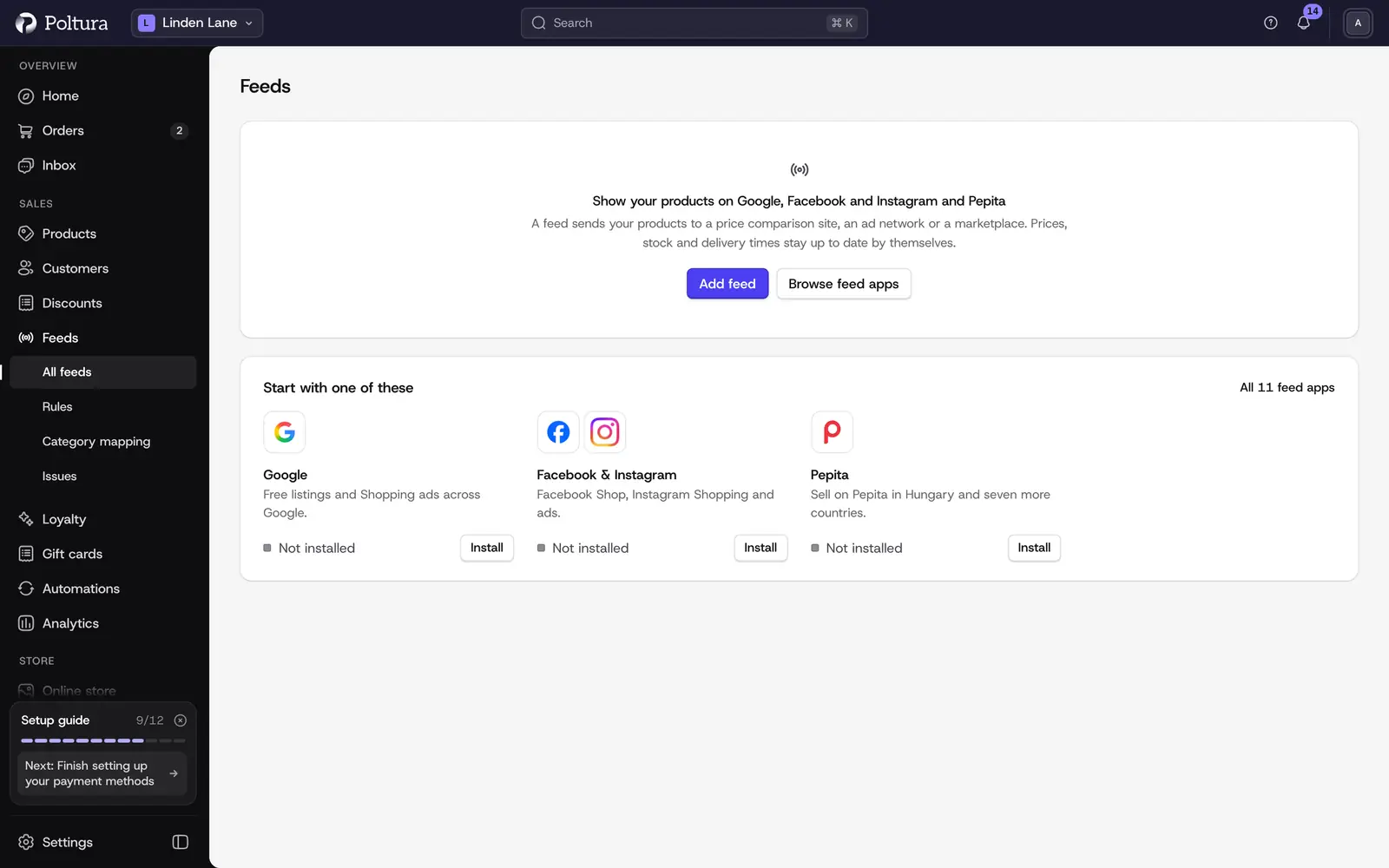
Feeds send your products to price comparison sites, ad networks and marketplaces. Prices, stock and delivery times stay up to date by themselves. You set a feed up once, and after that you only look at what needs a fix.
What a feed is
A feed is one site for one country: Árukereső for Hungary, Google for Romania, Pepita for Germany. It uses your shipping to that country, and the language, currency and prices of the market that country belongs to. So you can only add a feed for a country that is in one of your markets. See Markets.
Each site is an app. Once the site's app is installed, the site appears under Ready to set up when you click Add feed. A new feed sends every product that is published and for sale in its market. You leave products out later with rules or by hand.
Three kinds of site
The tabs on the Feeds page filter your feeds by kind.
- Price comparison: Árukereső, Árgép, Olcsóbbat and Heureka. These sites must show your shop price.
- Ads and social: Google and Facebook & Instagram. These also must show your shop price.
- Marketplaces: Pepita, eMAG and Allegro. Shoppers buy on the marketplace itself. Prices and stock may differ from your shop, and orders can arrive in your Orders.
How products reach a site
- Feed address: Poltura keeps a file with your products at a private web address. The site downloads it on its own schedule. You paste the address once into your account on the site.
- Connected: you sign in to the site from Poltura, or enter its API keys, and Poltura sends changes straight to it. A few changed prices or stock levels arrive within minutes. A large change goes in batches.
Some sites offer both. You see and change which one a feed uses on its Settings tab.
What the Feeds page shows
Each feed has a card with its live and not live product counts, the number of items to fix, its top issue, and when the site last downloaded the file or when products were last sent. The header shows how many feeds your plan allows, for example "3 / 5 feeds on your plan". Paused feeds do not count.
A product on a feed is either Live (sent to the site) or Not live (a rule left it out, or something needs a fix). Some live products reach fewer people, for example when a barcode is missing.
Good to know
- Installing a price comparison feed app costs nothing extra on any plan, and it counts as one of your installed apps. Marketplace apps (Allegro, eMAG, Pepita) need "Marketplaces with orders", which Plus and Pro include. Your plan also decides how many feeds can run at once and whether formulas, schedules and swap tables in rules are included. Compare plans in Add feed shows this for every plan. See Plan and billing.
- A feed sends product text in the language of its market. When products have no text in that language yet, the feed's page says how many and offers Translate now, with its cost in AI credits beside it. See Translate for a feed.
- A rule changes only what the feed sends. Your products in the store stay as they are.
- Two alerts watch every feed: one when a feed stops updating and one when a feed suddenly lists far fewer products. Choose how you get them in Notifications.
- The product page has a Feeds card that shows on how many feeds the product is live, with See why for each feed. The product list has a Feeds column and filter.