Shoppers have the right to see the personal data a store holds about them and to have it erased. The Personal data block on a customer's page, the Data requests page and the storefront account page cover both. Every request has a legal deadline of one month, shown on the request.
Export a customer's data
Open the customer and find Personal data in the side column.
Select Download data (JSON) for a file a program can read, or Download readable report for a page you can print or save as PDF.
The export holds the profile and addresses, orders, consents with the version of the terms they accepted, newsletter subscriptions and consent events, reviews, returns, loyalty, gift cards, forms the customer filled in, stock alerts and the data of installed apps such as business accounts and email automations. Each export is recorded in the Requests list of the block.
Erase a customer's personal data
Open the customer and select Erase personal data in the Personal data block.
Confirm. The erasure is scheduled and runs after a 10 day waiting period.
To change your mind, select Undo erasure before it runs.
When it runs, the customer's name, email, phone, addresses, sign-in and marketing records are removed or anonymized. Orders stay with their amounts, items, dates and invoice references, without the customer's name, email and addresses. Invoices and other records the law requires you to keep are never changed.
Requests from customers and guests
A signed-in customer deletes their account from their storefront account page. They confirm through a link in an email, then the same 10 day waiting period applies, and they can cancel from their account until then.
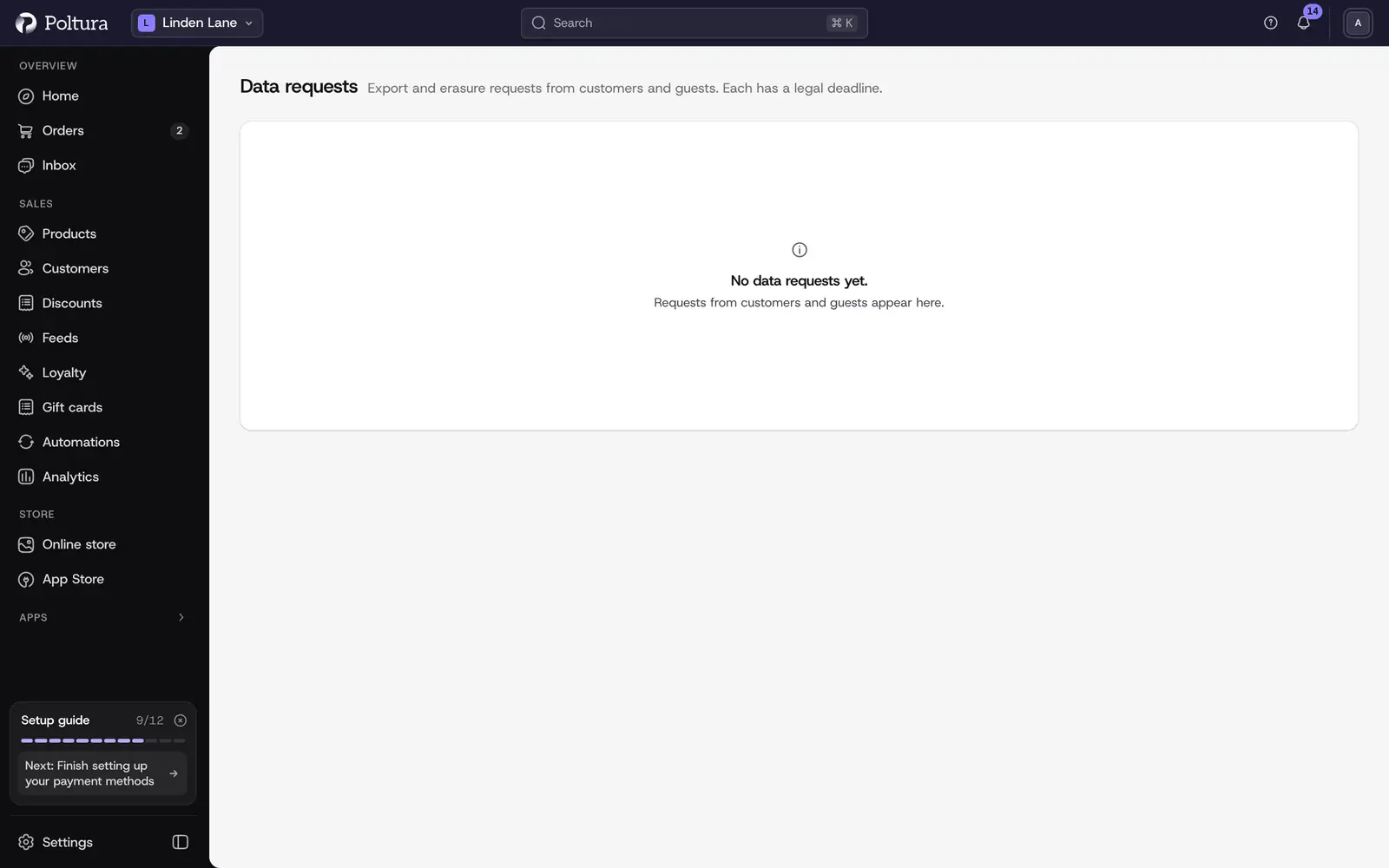
A guest, or a customer who cannot sign in, sends a request from the storefront page /data-request with the email address they ordered with. After they confirm through the email link, it appears on the Data requests page as Open. Download their data or select Erase to schedule the erasure. Select Cancel request to refuse it.
Add a link to /data-request in your footer or privacy policy so guests can find it.
Settings
Under Settings → Customer accounts → Personal data:
- Customers can delete their own account. Off, a confirmed request waits for you on the Data requests page instead of running by itself.
- Retention periods. Inactive accounts (3 years by default), abandoned carts (90 days) and canceled orders (1 year) are anonymized or deleted automatically. 0 keeps the data. An account counts as inactive when it has no orders and no changes for the whole period.
Good to know
- Orders are matched by the customer and by email, so a guest's orders are covered too.
- Mail logs are held by the mail service and are not part of the export. An erasure removes the customer's addresses and message content from your store's mail log, and keeps the delivery counts.